
The most common way a small-business website gets compromised is not through a sophisticated targeted attack.
Automated bots continuously scan the internet for websites running outdated plugins, themes and software with known vulnerabilities.
A website that has gone unmaintained for months is therefore not only becoming outdated. It is gradually becoming less secure and less reliable.
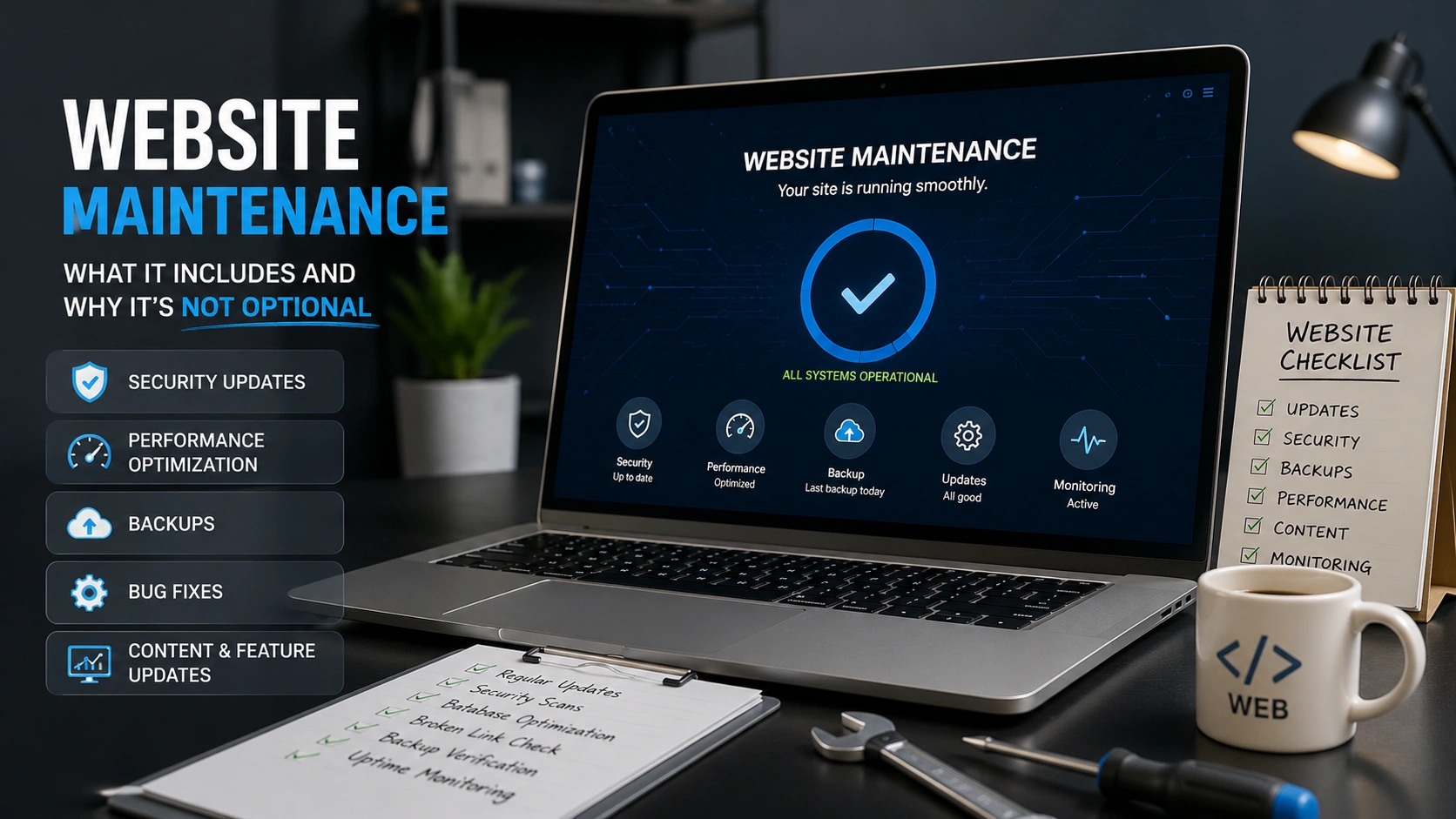
Website maintenance is preventative work that keeps a digital business asset secure, available, accurate and fast.
What website maintenance actually includes
| Maintenance task | What it helps prevent |
|---|---|
| Security updates | Known vulnerabilities in CMS platforms, plugins, themes and server software |
| Regular tested backups | Permanent data loss when something goes wrong |
| Uptime monitoring | Customers discovering an outage before the business does |
| Performance checks | Gradual page-speed decline that damages UX and SEO |
| Content updates | Outdated pricing, offers or service information misleading customers |
| Form and link testing | Broken contact forms or checkout steps silently losing conversions |
The cost of maintenance versus recovery
Ongoing maintenance for a standard business website may cost approximately ₹3,000–₹15,000 per month depending on complexity.
Recovering a compromised website can involve malware removal, backup restoration, emergency development, search-engine blacklist removal and lost revenue while the website is unavailable.
That recovery can cost considerably more than months of preventative maintenance.
The question is not only what maintenance costs. It is what preventable downtime, lost leads or a security incident could cost the business.
How neglect can affect SEO
A website can lose organic visibility even when nobody has changed the written content.
Search performance can decline because of slower loading, mobile usability problems, broken links, malware warnings, expired certificates or other technical issues.
This explains why a business can genuinely say, “we have not touched the website,” while its performance continues to deteriorate.
Is your website overdue for maintenance?
Several unknown answers are a strong signal that the website needs a technical health check.
Frequently asked questions
Can I maintain my website myself?
Basic content updates can often be handled internally. Security patching, backups and technical troubleshooting require more care because incorrect changes can take the website offline.
How often should backups run?
Weekly may be sufficient for many standard business websites. Active e-commerce stores should normally use daily or more frequent backups because the underlying order and customer data changes continuously.
Is maintenance included after website development?
Not always. Most development contracts include a limited support period, so ongoing maintenance should be confirmed separately rather than assumed.
Monk Media One provides ongoing website maintenance covering security, backups, performance, form testing and technical support for both new and existing websites.
Do not wait for a broken website to start maintaining it.
Identify security, performance and reliability issues before they become expensive problems.
Explore Website Support